


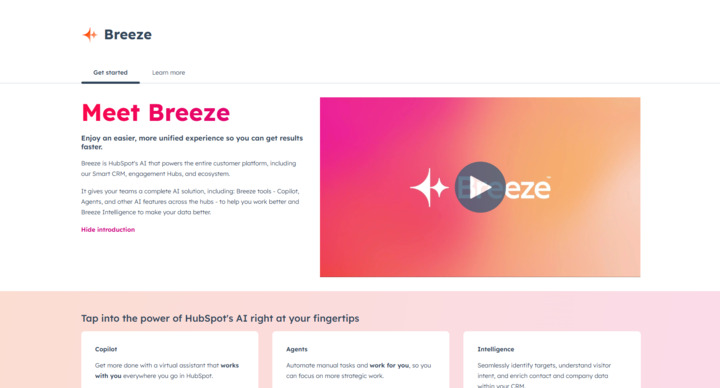


HubSpot’s new Breeze Copilot, currently in Beta, introduces powerful AI-driven tools for marketing, sales, and customer service teams.
This article explores how users can automate essential tasks, generate new content, analyze data, and prepare for meetings more effectively, by going through each prompt category within Breeze Copilot, providing real examples of how each can enhance productivity.
1. Generate: Creating content drafts with ease
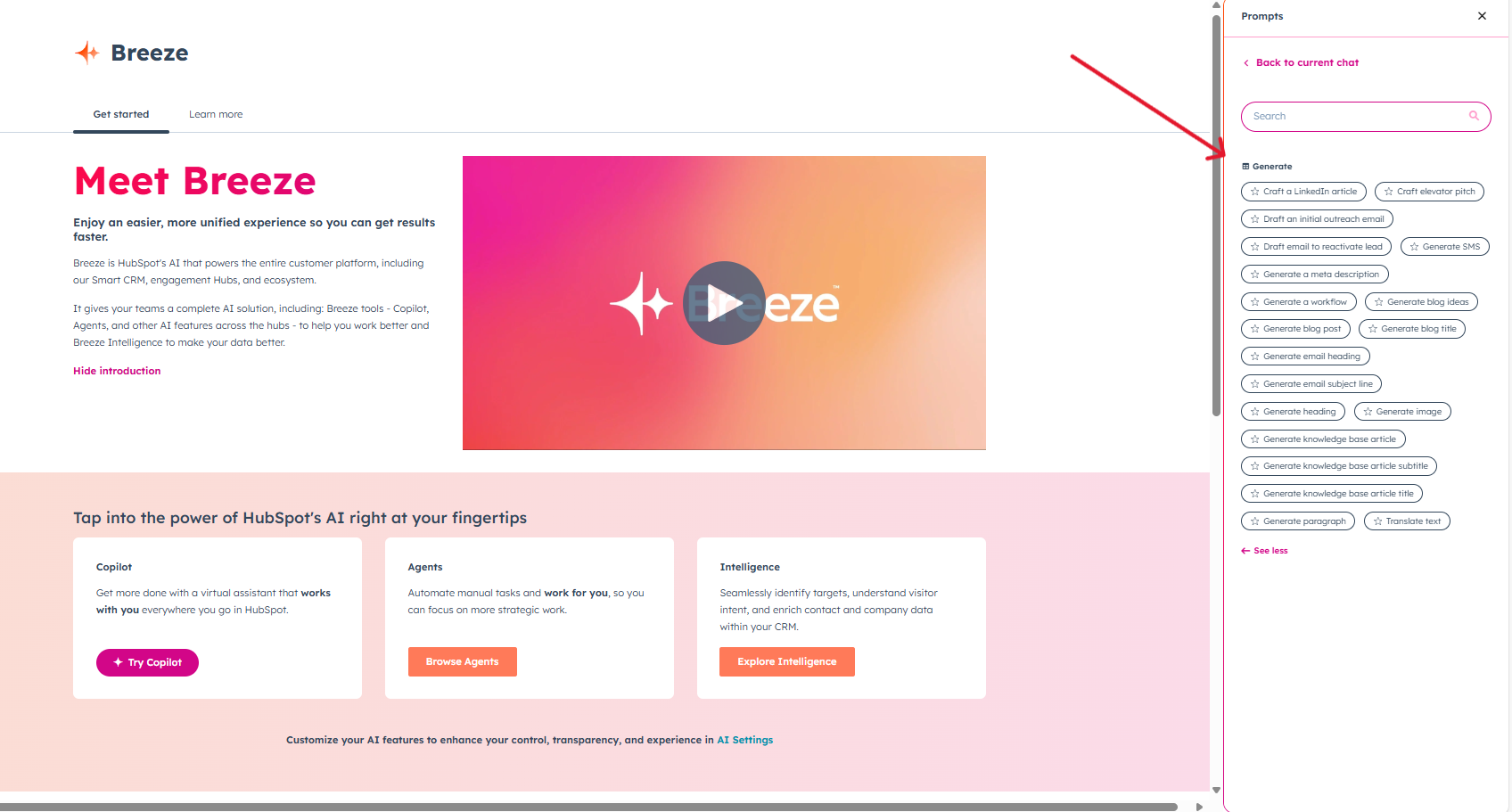
The Generate category is all about content creation, enabling users to produce drafts for emails, articles, and social media posts.
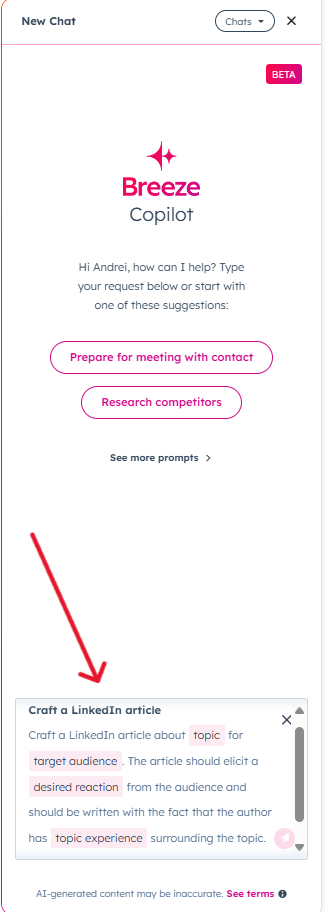
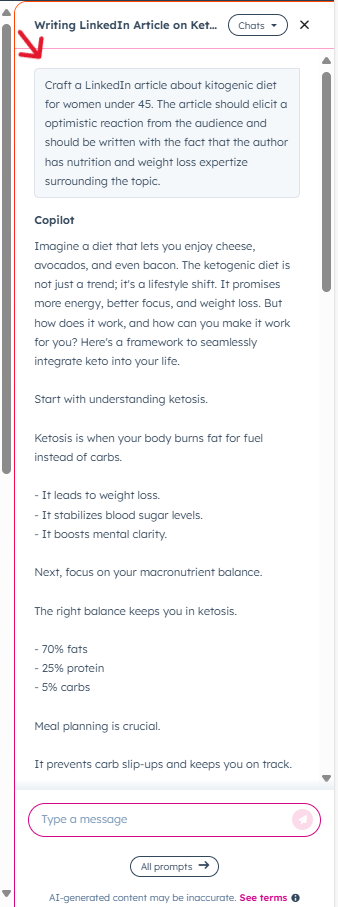
For this example, we chose the prompt Craft a Linkedin Article and provided the topic, target audience, desired reaction and the topic experience. This is a great starting point for your article and an amazing way to make the thought process easier for creating content.
2. Summarize: Condensing information quickly
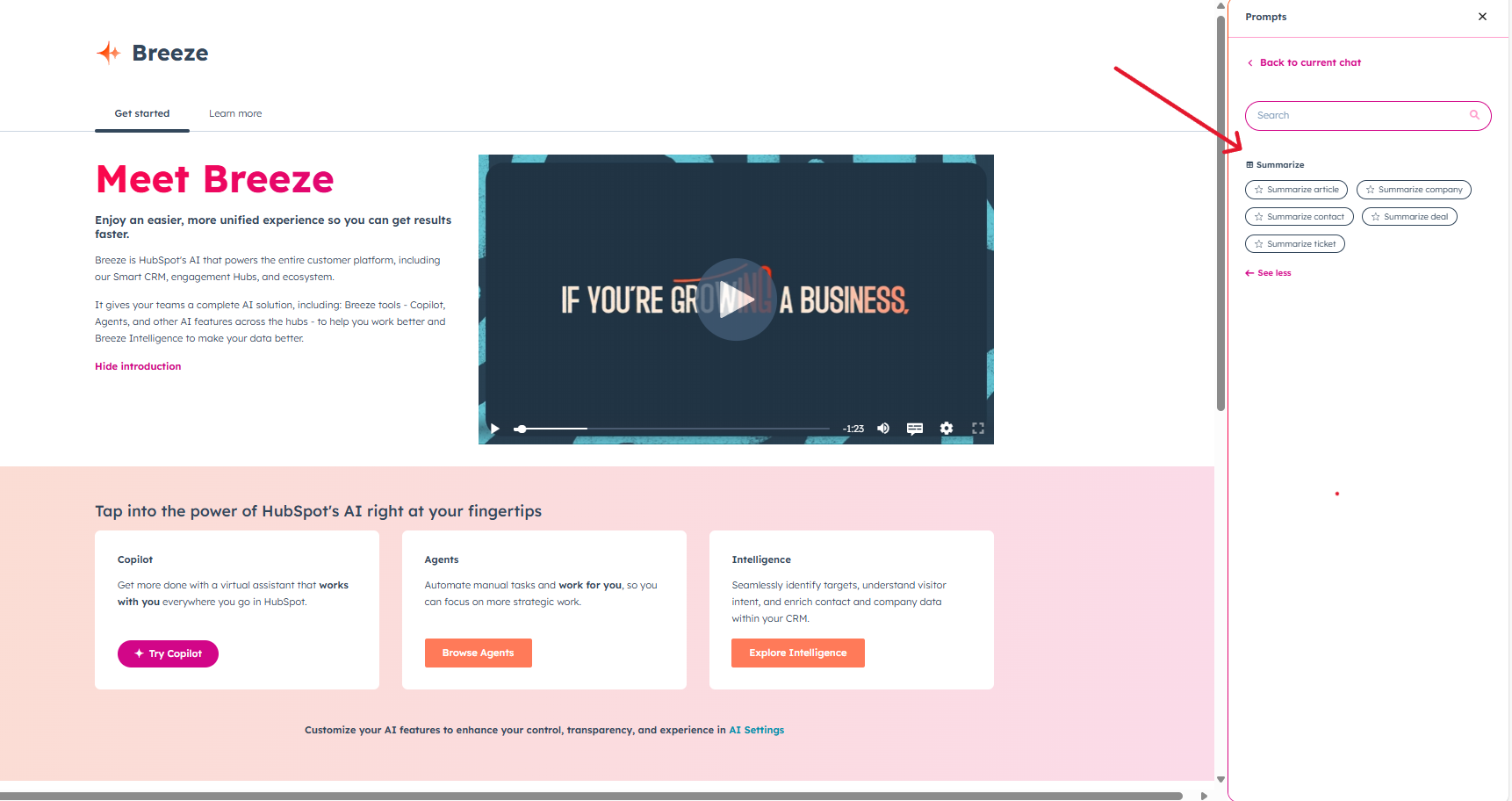
The Summarize category provides prompts for distilling complex information into digestible formats. This is especially valuable for handling large documents or long email chains.
Available prompts include options such as: summarize article, company, contact, ticket and deal.
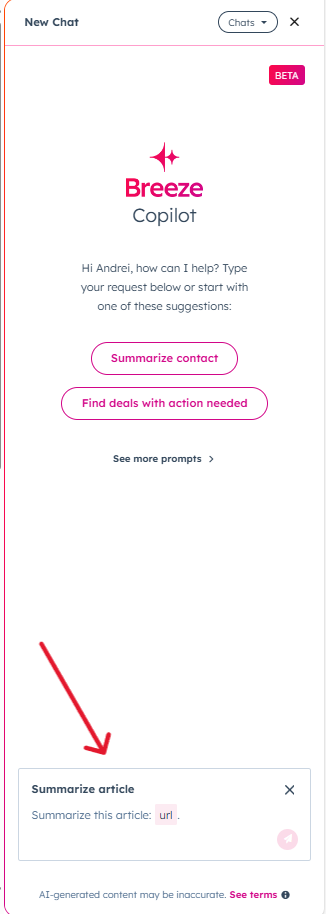
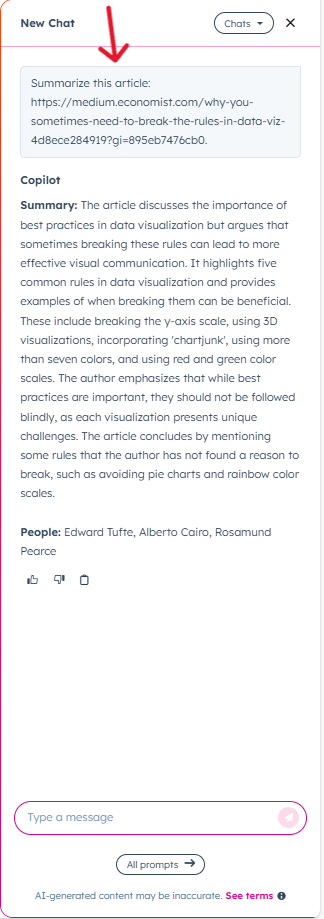
Using the “Summarize Article” prompt, users can instantly generate a summary of a lengthy article or document. This is particularly helpful for team members who need quick insights without reading the entire text.
In the instance below, I added as input a blog url from The Economist - Breeze Copilot returned a concise summary of the main subject of the article.
3. Research: Gaining key insights
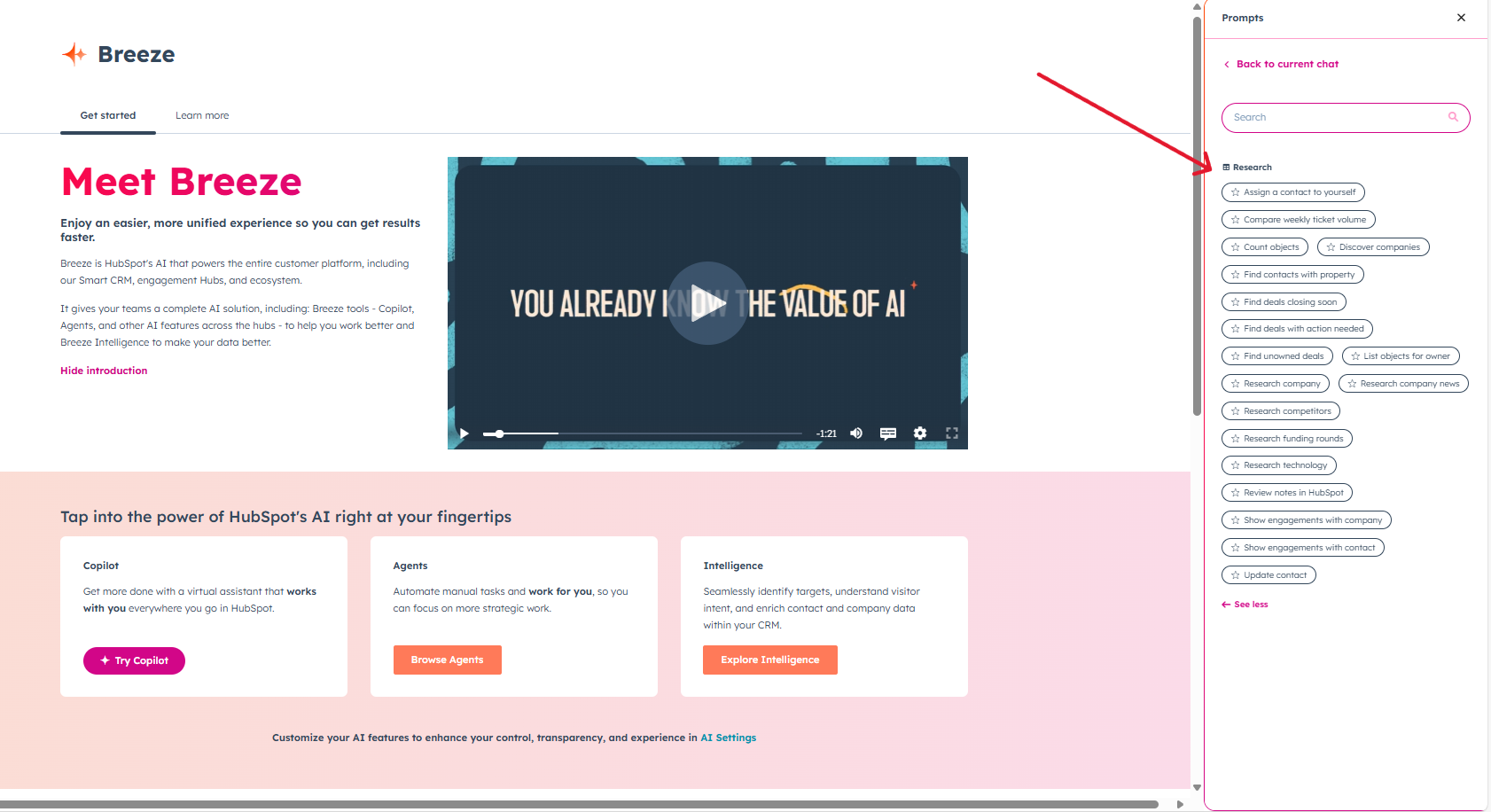
The Research prompts are designed to provide background information on companies, competitors, and deals - this category is useful especially for sales and account management teams.
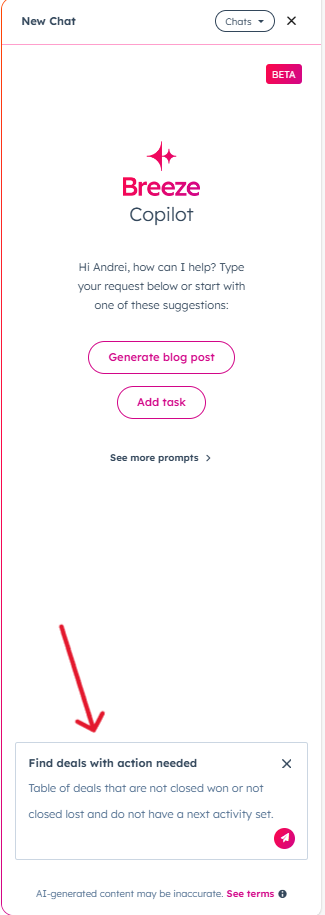
Example prompt: Find deals with action needed
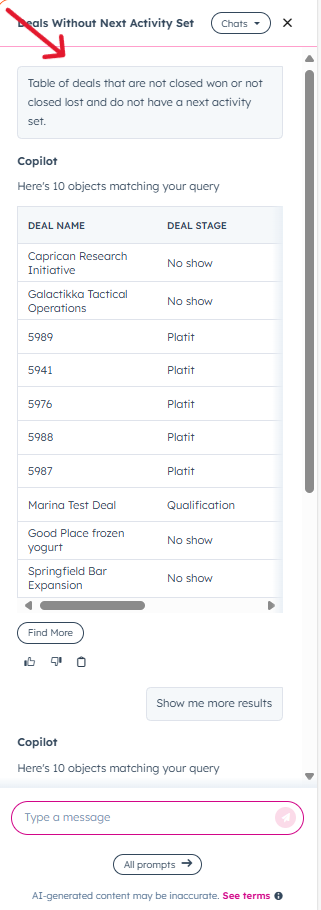
“Find deals with action needed” prompt allows you to quickly identify which deals require attention. Breeze analyzes deal activity and flags those needing follow-up, allowing teams to prioritize their efforts.
In our example, the deals were sorted by status, the conditions being that they are not in the closed stage and don’t have any activity set - here’s what Breeze Copilot returned:
4. Reporting: Simplifying data analysis
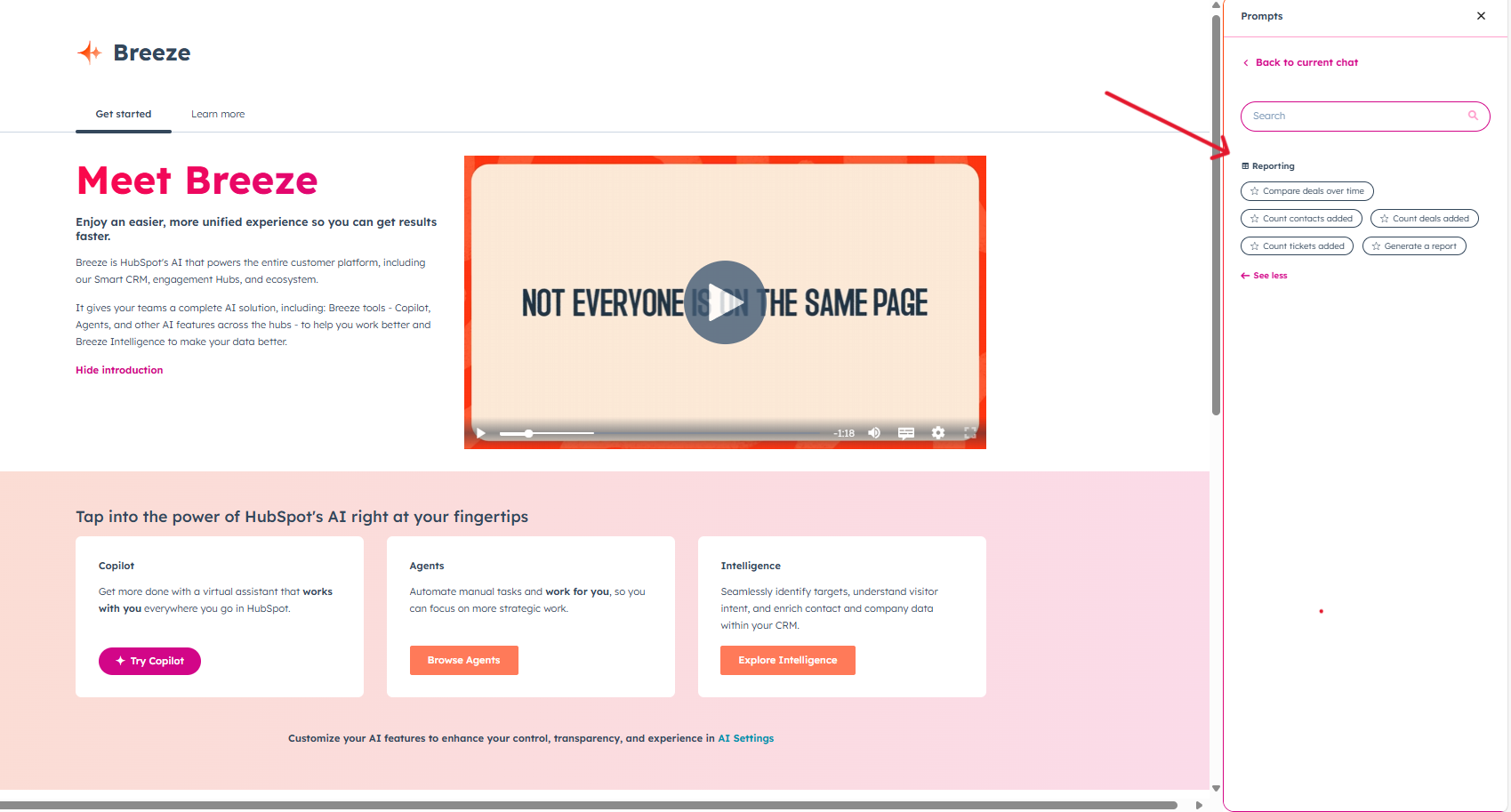
The Reporting category assists users in generating quick insights from their data, whether they’re tracking sales performance, customer interactions, or other key metrics.
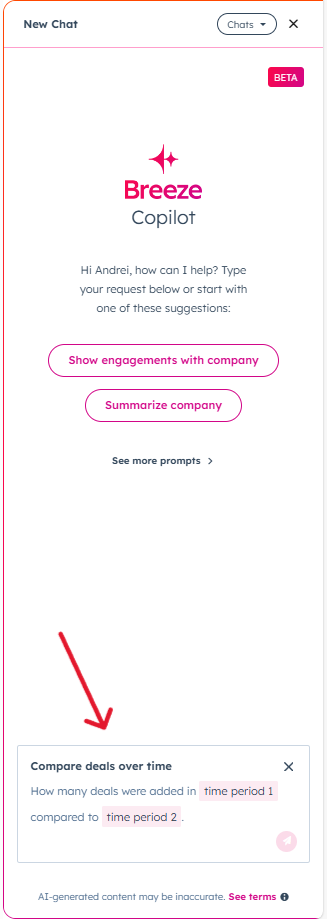
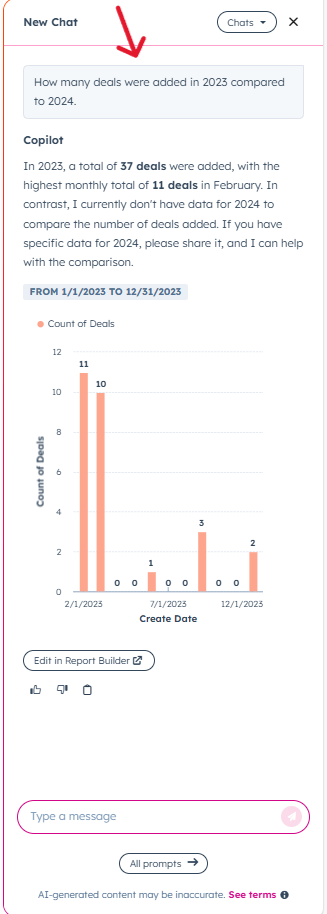
Example prompt: Compare deals over time
The “Compare deals over time” prompt allows users to view performance trends by comparing deal metrics over a specified period. This insight is essential for understanding growth patterns, identifying bottlenecks, and adjusting strategies.
In this scenario the total number of deals from 2023 was compared to the total number of deals in 2024, receiving an accurate response from Breeze Copilot.
5. Add an object: Streamlining CRM management
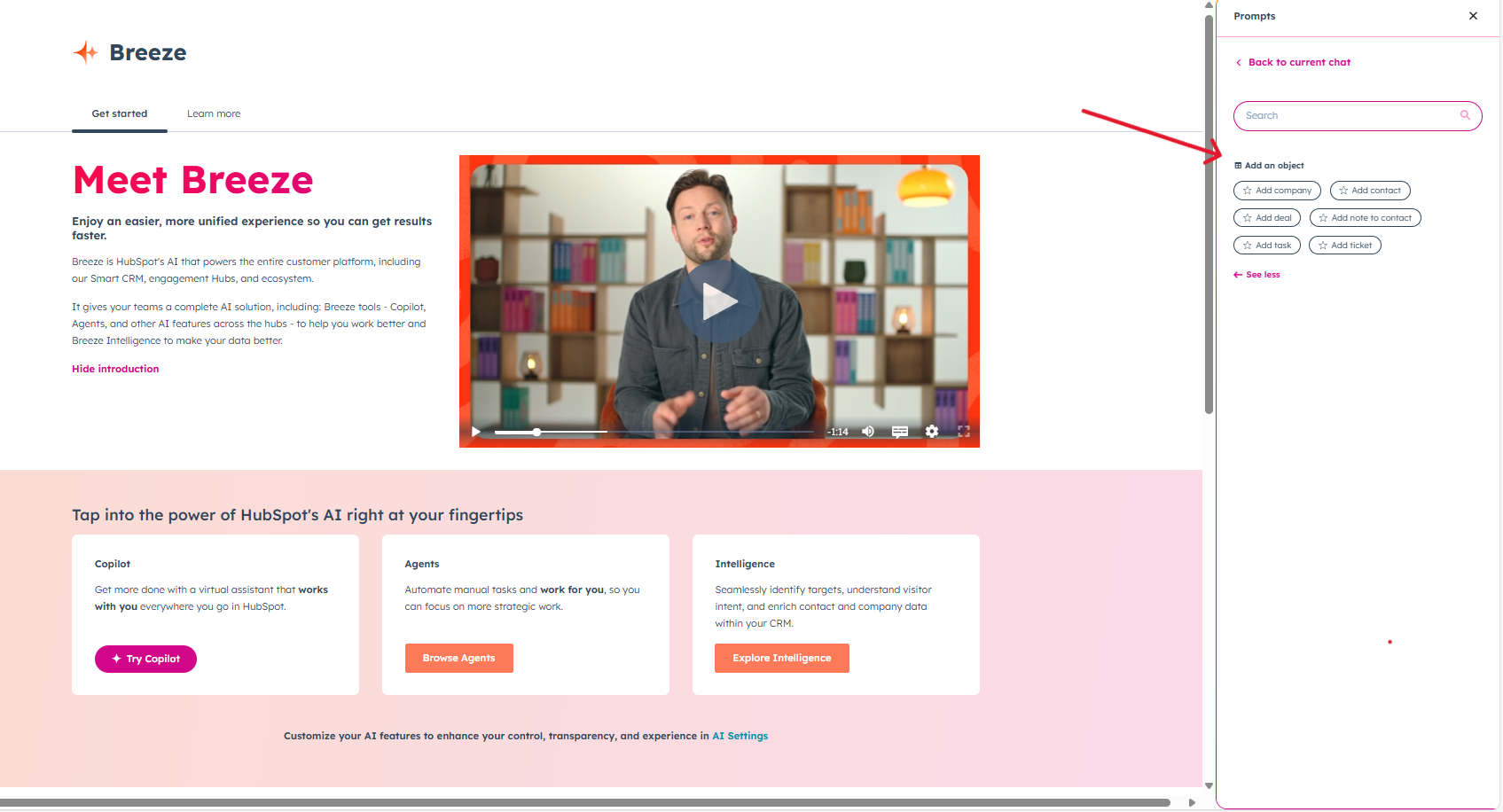
Add an object prompts help users create CRM records, such as contacts or companies, directly within Breeze. This reduces data entry time and ensures CRM data remains current.
It includes prompts such as: add company, contact, deal and ticket.
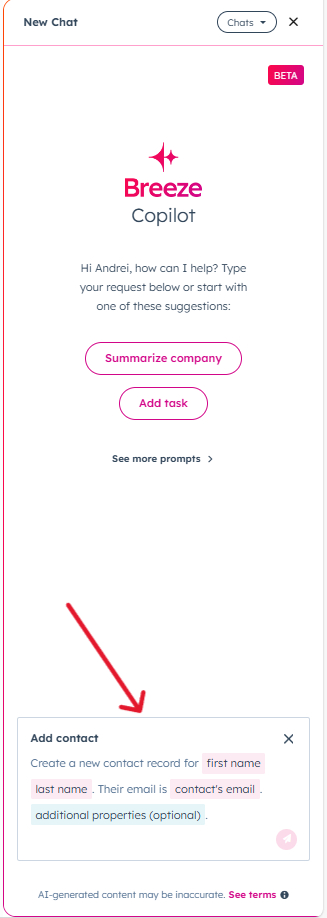
Example Prompt: Add a contact
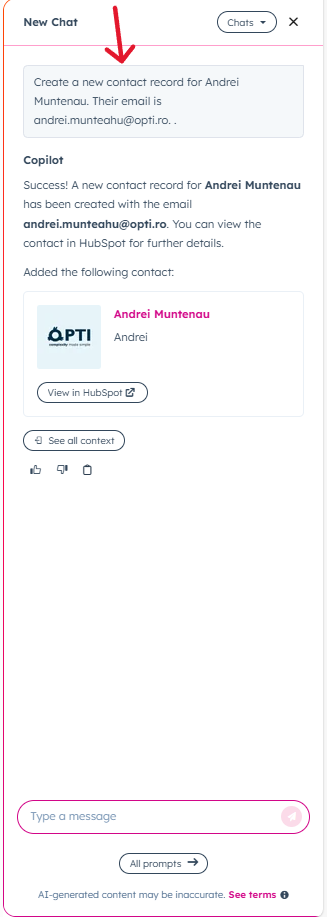
Using the “Add a contact” prompt, Breeze lets users quickly add a new contact to the CRM. It captures essential details like name, email, and company affiliation, ensuring no information is missed.
See how it used the data we provided to create a new contact without having to switch tabs:
6. Prepare: Getting ready for meetings
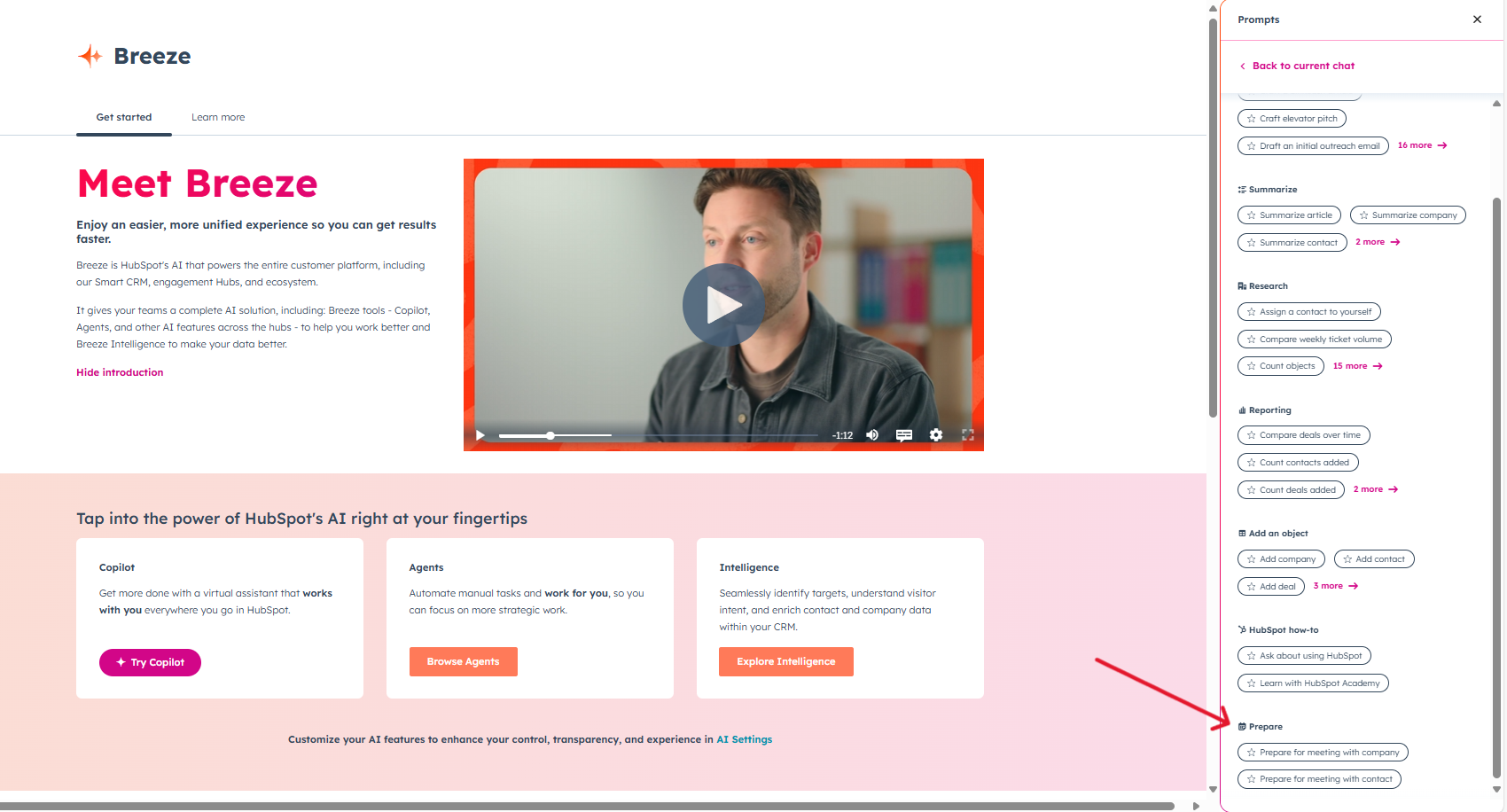
Last, but not least, we have the Prepare category.
The Prepare category is ideal for organizing information ahead of important meetings. By summarizing recent interactions and relevant data, it helps team members go into meetings fully informed.
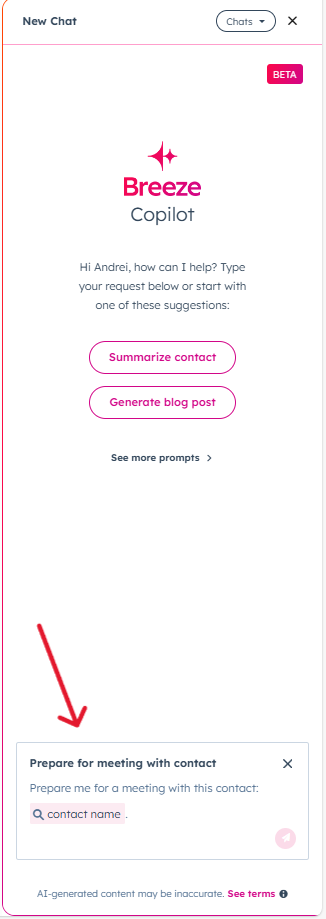
Using this category, you can either use the prompt Prepare for meeting with a contact or Prepare for meeting with a company.
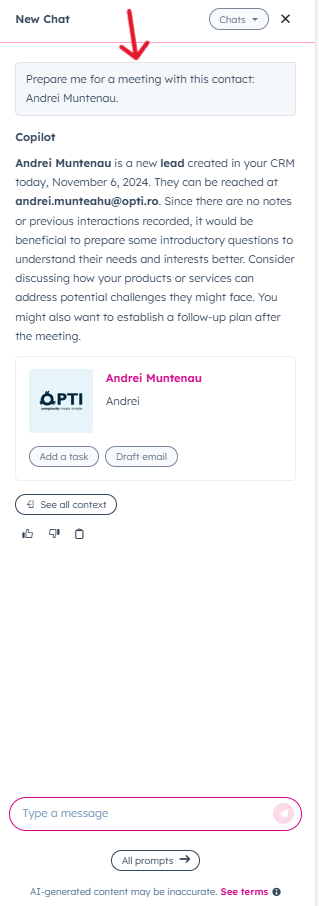
Example prompt: Prepare for meeting
With the “Prepare for a meeting” prompt, Breeze gathers relevant details about a contact or company, creating a meeting-ready summary. This feature helps team members review all recent interactions, such as internal notes or email replies with minimal efforts, before engaging with clients.
Final thoughts
Even in its Beta phase, HubSpot Breeze offers AI tools that streamline everyday tasks. While it’s still being refined, we believe it has strong potential for widespread adoption among HubSpot users, providing a competitive advantage to those who embrace it.
For HubSpot support, you can contact us at: